Free Income Tax Tool for Small Business Owners (And the Financial Reports You Need for Q4 & Q1 Filing)
Your financial report is what gives the IRS the exact proof of your income, business expenses, deductions, and taxable profit, without this, you can’t file correctly in Q1.
Temitope Ayegbusi
The fastest way to stay compliant during Q4 year-end prep and Q1 tax filing is to generate a tax-ready financial report using Adam by Tyms AI accounting software, then use a free income tax tool for small business to estimate what you owe.
Your financial report is what gives the IRS the exact proof of your income, business expenses, deductions, and taxable profit, without this, you can’t file correctly in Q1.
During Q4, every business must clean up their books, categorize their transactions, and prepare their final statements.
Then in Q1, those exact numbers are needed to prepare and file your federal and state income tax returns. This is where most business owners get stuck: their transactions are not categorized, their statements are incomplete, and they don’t have a proper Profit & Loss report to file taxes with.
Modern AI accounting software solves this by turning bank statements into a tax-ready financial report in minutes. And if you’re still unsure what you owe, a free income tax tool helps you estimate your liability instantly, based on the real numbers from your report.
What Financial Reports Do I Need for Q4 and Q1 Taxes?
To file small business taxes correctly, the IRS requires actual numbers. You’ll need:
Profit & Loss Statement (Income Statement)
This report summarizes your total revenue, deductible expenses, and net profit or loss for a specific period. It’s one of the most important financial reports every business should maintain.
For tax filing:
- Schedule C (sole proprietors & single-member LLCs)
- 1120S (S Corporations)
- 1120 (C Corporations)
- 1065 (Partnerships)
The IRS requires you to report your business income and expenses, and the Profit & Loss statement is the report that provides these numbers.
While you don’t always submit a P&L as an attachment, you must have accurate income and expense records — which essentially come from your P&L — to correctly complete these tax forms.
In short: You can file taxes without attaching a P&L, but you cannot file correctly without the financial information that a P&L provides.
2. IRS-Ready Categorized Expenses (Required to complete your tax forms)
This is not an official IRS “report,” but it is required for accurate filing. You must categorize expenses using IRS labels like: Advertising, Office expenses, Utilities, Contract labor, Software subscriptions, Travel & meals, Rent, Insurance, Car/mileage, Depreciation, etc.
This is where AI outperforms manual bookkeeping. With Adam by Tyms, you don’t have to deal with the headaches of manual categorization, you can easily upload your bank statements and your transactions will be categorized in seconds.
How Can I Generate a Tax-Ready Financial Report Quickly?
You can generate a tax-ready financial report in minutes by uploading your bank statement into an AI accounting software like Adam by Tyms . The system automatically:
- Imports all your transactions
- Categorizes them based on IRS-friendly categories
- Detects deductible expenses
- Generates an instant Profit & Loss report
- Creates an expense summary ready for tax filing
Once you have generated your report on Adam by Tyms, plug the numbers into Adam by Tyms free income tax tool for small businesses to see what you owe before filing.
How Do I Categorize Expenses Correctly for IRS Filing?
Correct categorization is one of the hardest parts of Q4 cleanup because U.S. bank descriptions can be messy and inconsistent. AI accounting software solves this by learning spending patterns and auto-tagging transactions under IRS-aligned categories such as: Office Supplies, Meals, Travel, Marketing, Software, Utilities, Contractors,
Example: “UBER TRIP HELP.UBER.COM CA” and “UBR*TRIP” are recognized as transportation expenses.
Correct categories mean:
- Maximizing deductions
- Accurate taxable income
- Faster Q1 tax filing
- Smoother CPA handoff
How Do I Know if an AI Accounting Software Is Tax-Compliant?
A tax-compliant AI accounting software will:
- Use standardized IRS expense categories
- Generate a Profit & Loss (the required tax document)
- Track deductible vs. nondeductible expenses
- Organize your records for CPA or IRS review
- Maintain transaction-level audit trails
You should be able to export:
- P&L
- Expense Summary
- Income Summary
- Full categorized transaction list
These are the exact documents CPAs ask for in Q1. Always confirm that the software supports the U.S. tax structure. If it generates tax-ready reports, it’s compliant.
Can I Prepare My Taxes If My Records Are Incomplete for the Year?
Yes, you can still prepare your taxes even if your records are incomplete. AI accounting software like Adam by Tyms allows you to upload multiple bank statements, even from different months, and it will rebuild your financial year automatically.
If you’re missing categories or receipts, the system fills in the gaps using pattern recognition and IRS-friendly expense labels.
This gives you:
- A complete financial picture
- Correct totals
- A clean Profit & Loss
- Numbers you can trust for your Q1 tax return
After that, simply enter the figures into Adam by tyms free income tax tool for small business to estimate your tax.
Use the Free Income Tax Tool
If you already have your financial report (or you just generated one), you can instantly estimate your tax:
Use the Free Income Tax Tool (Estimated Tax Calculator) . This helps you know what you owe before filing in Q1.
Need a Tax-Ready Financial Report?
If you don’t have a Profit & Loss yet, generate one in minutes: Use Adam by Tyms AI Accounting Software to Create a Tax-Ready Report
- Upload your bank statements
- Auto-categorize all transactions
- Generate P&L, Income Summary, Expense Summary
- Export for CPA or IRS filing
This saves hours of Q4 cleanup and ensures stress-free Q1 filing. Sign up on Adam by Tyms here
FAQ Section
1. What report do I need to file small business taxes?
You need a Profit & Loss statement, an income summary, and categorized expenses. These documents provide the IRS with proof of your income, deductible expenses, and taxable profit. Adam by Tyms AI accounting software generates all three automatically.
2. Can I use an AI accounting software for tax preparation?
Yes—if it provides IRS-aligned categories and generates tax-ready financial reports. As long as the software produces clear records, CPAs and tax tools can use the data to prepare your return without issues.
3. Do I need a tax calculator if I already have my P&L?
Yes, a tax calculator gives you a quick estimate before filing. Even with a complete P&L, the calculator helps you understand what you owe, plan payments, and avoid surprises during Q1 tax season.
You can also read:
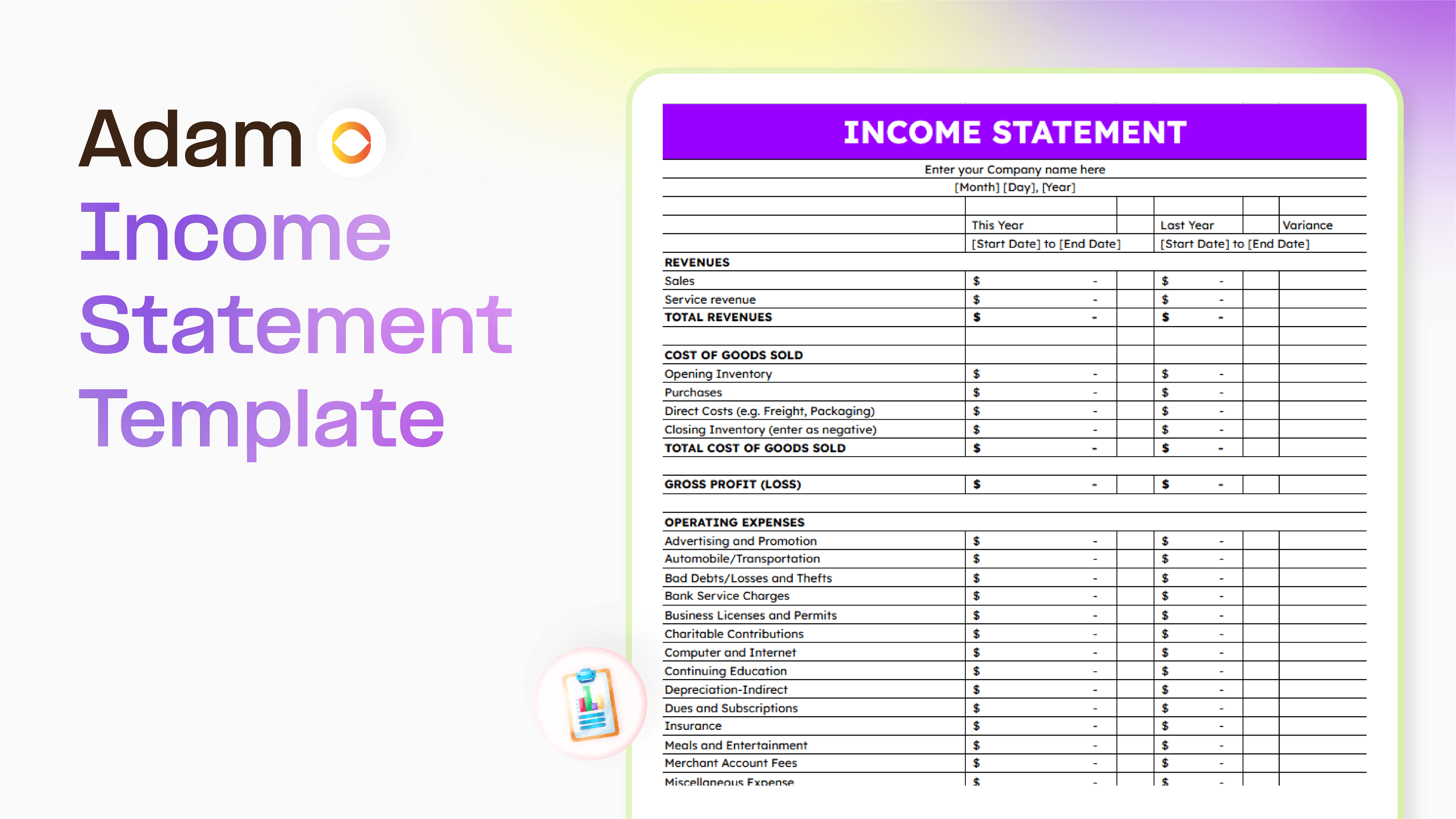
Master your finance with a free Excel Income Statement Template
Using an Excel income statement template isn't just about filling in numbers; it's about getting a clearer picture of how your business is actually doing.
Temitope Ayegbusi
Jan 30, 2026

Accounting Automation Software Features That Actually Matter (For Small Businesses)
This guide breaks down accounting automation software features that truly matter, explains how popular tools approach automation, and helps small business owners understand what to look for before choosing the wrong solution.
Temitope Ayegbusi
Jan 22, 2026