Accounting Automation Software Features That Actually Matter (For Small Businesses)
This guide breaks down accounting automation software features that truly matter, explains how popular tools approach automation, and helps small business owners understand what to look for before choosing the wrong solution.
Temitope Ayegbusi

Accounting automation software promises to save time, reduce errors, and give business owners clearer financial insight. But many small business owners discover something frustrating after researching tools like Coupa, Concur, Emburse, or Pex:
The features sound powerful , but they don’t always solve the problems small businesses actually have.
This guide breaks down accounting automation software features that truly matter, explains how popular tools approach automation, and helps small business owners understand what to look for before choosing the wrong solution.
What accounting automation really means (without the buzzwords)
At its core, accounting automation is about reducing manual bookkeeping work.
Instead of spending hours:
- downloading bank statements
- sorting transactions
- fixing categories
- rebuilding reports
Automation software helps systems handle these tasks with minimal input.
For small businesses, automation usually focuses on:
- importing transactions automatically
- organizing income and expenses
- producing usable financial reports
- reducing cleanup work
Where tools differ is how much work they still leave to you.
Why many small businesses struggle with “automation” tools
Most accounting automation software is designed for controlled environments.
That means:
- clean data
- strict rules
- finance teams reviewing transactions daily
Small businesses often operate differently:
- transactions come from many sources
- bookkeeping falls behind
- categories aren’t consistent
- reports are reviewed monthly (or less)
This mismatch is why many small businesses feel “automated”, but still overwhelmed.
The 5 accounting automation features that actually matter
Instead of looking at brand names, it’s better to look at feature categories.
These are the features that make a real difference.
1. Automatic transaction importing
Every automation tool starts here.
Good software should:
- connect to bank accounts
- import credit card transactions
- pull data from payment processors
- refresh automatically
Tools like Concur and Emburse are strong at this, especially for expense reporting and reimbursements. But importing data alone doesn’t fix bookkeeping.
2. Expense categorization (not just rules)
Once transactions are imported, they must be categorized correctly.
Traditional automation relies on:
- fixed rules
- manual category setup
- consistent transaction labels
Platforms like Coupa and Pex are built around this model, especially for organizations that need spending controls and approvals.
This works well when data is clean.
It works poorly when:
- descriptions vary
- historical data is messy
- categories weren’t set up properly
This is where many small businesses get stuck.
3. Approval workflows and spending controls
Enterprise accounting automation software focuses heavily on:
- approval chains
- spending limits
- compliance rules
These features are essential for large teams.
For most small businesses, approvals are not the problem. Understanding where money is going is. That’s an important distinction when choosing software.
4. Financial reporting you can actually trust
Automation should lead to clarity.
Strong tools help generate:
- income statements
- balance sheets
- cash flow reports
But reports are only useful if:
- transactions are categorized correctly
- duplicates are resolved
- inconsistencies are handled
If the underlying data is messy, automation won’t magically fix it.
5. AI-driven learning and cleanup (where modern tools differ)
This is where newer, AI-first bookkeeping tools stand out.
Instead of relying only on rigid rules, AI-driven automation:
- learns transaction patterns
- improves categorization over time
- adapts to inconsistent data
- reduces repetitive manual fixes
This approach is especially useful when:
- books are behind
- data isn’t perfect
- cleanup is the main challenge
For small businesses, this is often the missing piece.
How enterprise automation tools approach features
Tools like:
- Coupa
- Pex
- Emburse
- Concur
- Quickbooks
are designed for:
- finance departments
- structured spending environments
- policy enforcement
Their strengths:
- approvals
- compliance
- employee spend tracking
Their limitation for small businesses:
- less flexibility when books are already messy
- higher setup complexity
- features that solve control problems, not clarity problems
This doesn’t make them “bad” tools , just tools built for a different stage. You will also need to pay handsomely to use them. This is not so good for small businesses.
How AI-first bookkeeping automation fits small businesses
AI-first tools focus on cleanup and understanding, not control.
Instead of enforcing rules upfront, they:
- analyze transaction history
- apply intelligent categorization
- learn from corrections
- generate reports quickly
This makes them especially useful for:
- catch-up bookkeeping
- messy historical data
- small teams without finance staff
Where Adam by Tyms fits in this picture
Adam by Tyms is built specifically for AI-powered bookkeeping automation. In practice, it helps small businesses:
- upload or connect bank data
- automatically categorize transactions
- correct mistakes once and let AI learn
- generate clean financial reports
Many businesses use Adam before hiring a bookkeeper, because organized data lowers cleanup costs and effort.
It’s not designed to replace enterprise spend-management tools , it solves a different problem: unclear books and delayed insight.
You pay a standard price, and enjoy automation without having to do manual work, and it fits your small business structure. Try Adam by Tyms today.
Common mistakes small businesses make when choosing automation software
The most common mistake is choosing software based on:
- brand recognition
- feature lists
- what “sounds professional”
Instead of asking:
- Are my books clean or messy?
- Do I need approval or clarity?
- Is cleanup my main problem?
Automation should reduce stress, not introduce complexity.
How to choose the right automation features for your business
Before committing to any software, ask:
- Am I behind on bookkeeping?
- Do reports feel reliable today?
- Do I need controls — or understanding?
- Will this tool adapt to my data, or require perfect input?
The right accounting automation software depends less on business size and more on where bookkeeping breaks down. Pricing when choosing accounting automation software is also greatly important to small business owners. You don’t want to skip that. Read more if you want to know more on pricing and choosing accounting software.
Final thoughts
Accounting automation software isn’t about having more features. It’s about having the right features for your situation.
Enterprise tools focus on control. AI-first tools focus on cleanup and clarity. Understanding that difference helps small businesses choose software that actually reduces work, instead of shifting it around.
If your challenge is messy books, inconsistent categories, or unclear reports, AI-driven bookkeeping automation can be a practical first step before committing to full-service solutions.
Try Adam by Tyms today, and enjoy a 69% discount on a 3 year subscription plan
You can also read:
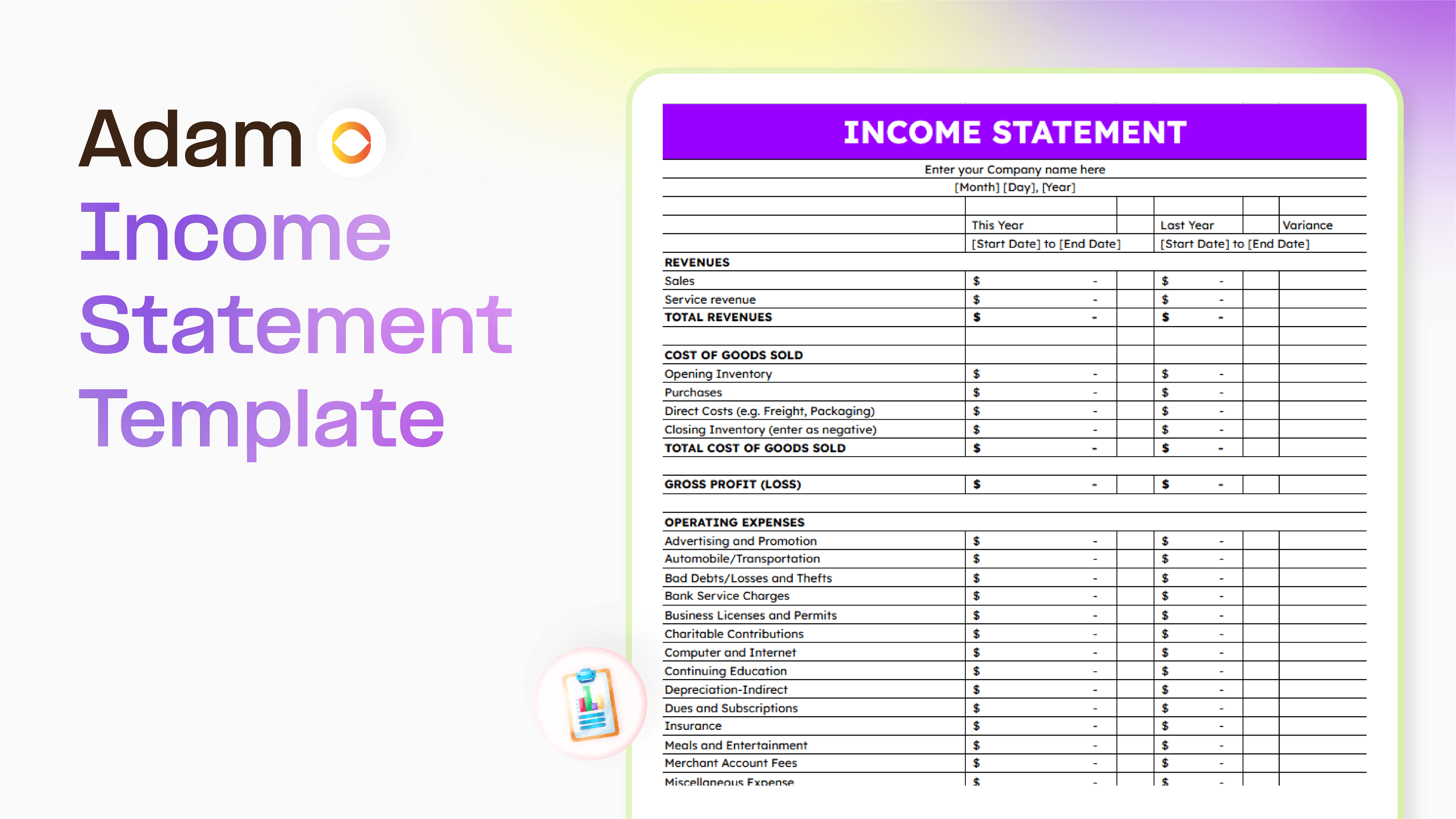
Master your finance with a free Excel Income Statement Template
Using an Excel income statement template isn't just about filling in numbers; it's about getting a clearer picture of how your business is actually doing.
Temitope Ayegbusi
Jan 30, 2026

Why Your Profit Doesn’t Match Your Bank Balance (And How to Fix It)
Why doesn’t my profit match my bank balance? Here is a common question amongst small business owners. The answer is simple, let's find out
Temitope Ayegbusi
Jan 22, 2026