Free 3-Month Bank Statement Generator (Instant Profit & Loss Report)
Convert a 3-month bank statement into a clean profit & loss report in minutes. Upload PDF, CSV, or Excel files and download a tax-ready P&L for free.
Temitope Ayegbusi

You can convert a 3-month bank statement into a clean Profit & Loss (P&L) report in minutes , completely free.
If you’ve been searching for a 3 month bank statement generator that doesn’t require spreadsheets, accounting knowledge, or hours of cleanup, this guide shows you the fastest way to get it done.
Using Adam by Tyms, you can upload three months of bank statements (PDF, CSV, or Excel), let the system automatically categorize every transaction, and download a professional P&L report you can use for taxes, loans, grants, or investor reporting .
What This Free 3-Month Bank Statement Generator Gives You
When you use this tool, you get:
- A profit & loss report generated from exactly 3 months of bank data
- Automatic income and expense categorization
- Clean, IRS-aligned reporting categories
- A report you can download as PDF or spreadsheet
- No manual formulas, sorting, or spreadsheet cleanup
This is especially useful if you need financials quickly for an application, deadline, or review.
What Is a Bank Statement Generator?
A bank statement generator turns raw bank transactions into structured financial reports automatically.
Instead of manually reviewing hundreds of line items, the tool:
- Extracts every transaction from your PDF, CSV, or Excel file
- Cleans and standardizes merchant descriptions
- Separates income from expenses
- Removes transfers and duplicates
- Groups transactions into clear business categories
For business owners, this eliminates hours of manual bookkeeping and delivers numbers you can actually use.
How to Convert a 3-Month Bank Statement Into a Profit & Loss Report (Free)
You can generate a 3-month profit & loss statement in minutes using the free income statement generator inside Adam by Tyms.
Step 1 — Open the Free Income Statement Generator
Use the free income statement generator to begin.
Step 2 — Upload Your 3-Month Bank Statement
Upload your bank statements in any of the following formats:
- CSV
- Excel (.xls or .xlsx)
Files up to 1MB are supported for free. Larger files or longer periods can be handled if you later upgrade.
Step 3 — Automatic Transaction Categorization
Once uploaded, the system automatically:
- Reads every transaction line
- Cleans merchant names
- Detects duplicate entries
- Separates income from expenses
- Removes transfers or non-business items
- Categorizes transactions using IRS-aligned labels
No manual sorting or spreadsheet formulas required.
Step 4 — Review Categories (Optional)
You can review and adjust any category if needed. If you make changes, the system learns from them — improving accuracy over time.
Step 5 — Download Your 3-Month Profit & Loss Report
With one click, export your P&L report for:
- Tax preparation
- Loan or grant applications
- Investor or partner updates
- Internal business planning
This completes your 3 month bank statement → profit & loss conversion.
Export Formats You Can Share With Your Accountant
A reliable free 3 month bank statement generator should allow you to export:
- PDF — clean, professional, and printable
- CSV or XLSX — spreadsheet-ready
- Full transaction list for CPA or audit review
- Secure share links for accountants or partners
Why a 3-Month Profit & Loss Is Useful for Taxes, Loans, and Grants
Many institutions request a recent 3-month P&L because it reflects your most current business activity.
A P&L generated directly from your bank data shows:
- Real income
- Actual expenses
- True operating profit
- Current cash flow patterns
This builds confidence with lenders, grant providers, and tax professionals — and helps you make better internal decisions.
How This Helps During Tax Season and Quarterly Filing
A 3-month P&L is especially useful for:
Quarterly Reviews
- Track income trends
- Catch missing expenses
- Adjust estimated tax payments
Year-End Preparation
- Reduce CPA cleanup time
- Identify miscategorized transactions
- Prepare for full-year reporting
After generating your report, you can use the free income tax calculator to estimate federal and state tax obligations.
Generate Your 3-Month Profit & Loss Report for Free
If you need a free 3 month bank statement generator that produces a professional, usable Profit & Loss report in minutes, start here.
FAQ
Q: Can I get a tax-ready P&L from only three months of bank statements?
Yes. A 3-month P&L works for planning, loans, grants, and quarterly taxes. For full-year IRS filing, you will need a 12-month P&L—but the tool handles both.
Q: Is the free bank statement generator safe to use?
Yes. Adam by Tyms uses secure encryption and protects your financial data. Always choose platforms that clearly display their security policy.
Q: What if my bank statement includes personal transactions?
You can delete or reclassify personal spending before generating the P&L. The tool shows every single transaction so you can remove anything that doesn’t belong.
Q: What if my bank statement is missing some months?
Upload each month separately. The tool will combine them automatically into a clean report.
You can also read:
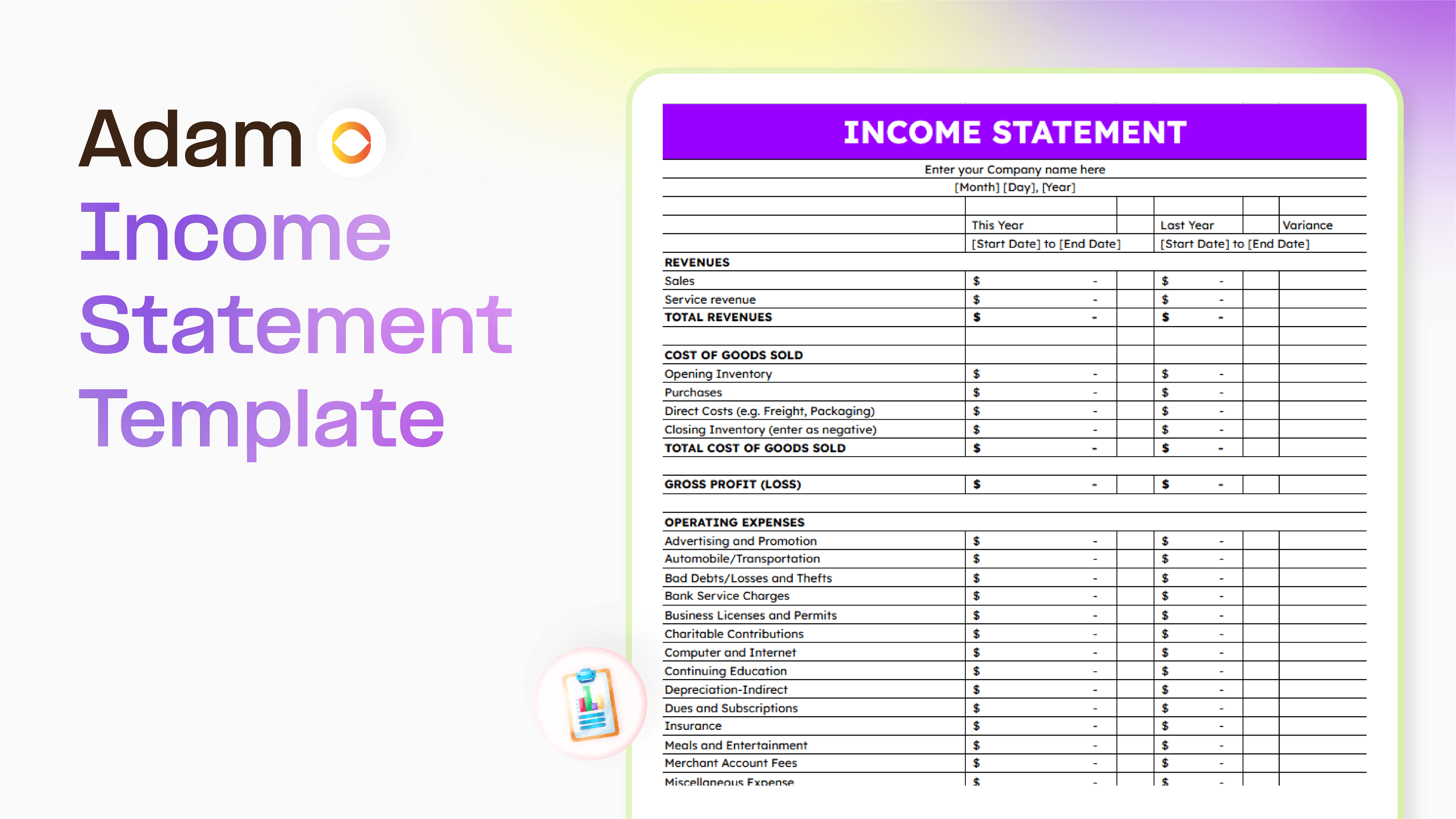
Master your finance with a free Excel Income Statement Template
Using an Excel income statement template isn't just about filling in numbers; it's about getting a clearer picture of how your business is actually doing.
Temitope Ayegbusi
Jan 30, 2026

Accounting Automation Software Features That Actually Matter (For Small Businesses)
This guide breaks down accounting automation software features that truly matter, explains how popular tools approach automation, and helps small business owners understand what to look for before choosing the wrong solution.
Temitope Ayegbusi
Jan 22, 2026