The Best AI Accounting Software for CPA Firms in 2026
Discover the best accounting software for CPA firms — what to look for, why most firm stacks are broken, and how AI-native platforms are changing what's possible.
Ibrahim Adepoju

If you run a CPA firm, you already know the software problem.
You've got one tool for bookkeeping. Another for practice management. A third for client communication. Something bolted on for compliance. And somehow, none of them talk to each other, which means your team spends part of every working day copying data between systems, chasing down information that should already be in one place, and managing logins instead of managing clients.
This is not a technology problem. It's a strategy problem. And the firms winning right now have figured it out.
This guide is for CPA firm owners who are serious about choosing software that actually changes how their firm operates — not just another tool that adds to the pile.
Why Most CPA Firm Software Stacks Are Broken
Here's a typical software stack we see at mid-sized CPA firms:
- QuickBooks Online or Xero, for client bookkeeping
- Karbon or Jetpack Workflow, for practice management
- Liscio or Canopy, for client communication and document collection
- TaxDome, for client portal
- Slack, for internal comms
- Spreadsheets, for everything that doesn't fit anywhere else
That's five to six tools. Five to six subscriptions. Five to six login screens. And if you're billing per seat or per client across any of them, your overhead climbs every time you onboard a new client.
The real cost isn't the software fees. It's the friction.
Every time data has to move from one system to another manually, there's a chance for error. Every time a team member has to context switch between platforms to answer a simple question, you're burning time that isn't billable. Every time a client sees a third-party login screen instead of your firm's brand, you're losing an opportunity to own the relationship.
This is why a growing number of CPA firms are moving away from the "best-in-class tool for each job" model and toward a consolidated, AI-native platform, one that handles bookkeeping, operations, communication, and compliance in a single system.
What CPA Firms Actually Need From Accounting Software
Before we get into specific tools, it's worth being precise about what a CPA firm's needs actually look like — because they're meaningfully different from what a solo freelancer or small business needs.
Multi-Client Management at Scale
A solo founder using accounting software has one set of books. Your firm might have 30, 75, or 250 client entities — all with different fiscal years, transaction volumes, account structures, and reporting requirements. The software that works beautifully for a single business owner falls apart completely when you're managing it across an entire client portfolio.
You need a platform where every client's books are accessible from one login, with clean separation between entities, and where your team can move between clients without logging in and out of separate accounts.
Role-Based Team Access
At a CPA firm, not everyone should see everything. A junior bookkeeper working on three client files shouldn't have visibility into the firm's other 40. A partner reviewing a client's P&L shouldn't have to wade through task assignments meant for support staff. Your software needs granular, role-based access — not just "admin" and "user."
Compliance and Audit Readiness
Every action in a client's books should be traceable. Who changed that transaction categorization? When? Why? In a manual environment, this kind of audit trail requires discipline, documentation, and a lot of hoping your staff followed procedure. In a well-designed platform, it's automatic — every action is timestamped, attributed, and logged without anyone having to think about it.
Practice Management Built In
The workflow of a CPA firm isn't just accounting. It's deadlines, document requests, review cycles, client approvals, staff capacity planning, and compliance reporting. If your practice management lives in a separate tool from your accounting data, you're always operating with an incomplete picture.
White-Label Client Experience
This one is underrated, but it matters enormously for client retention. When your clients log into the platform you've given them, they should see your firm — your logo, your colors, your domain. Not "Powered by [Third-Party Tool]." The moment a client realizes they're using a SaaS product that isn't yours, the relationship shifts. They start wondering whether they really need you, or whether they could just pay for the tool directly.
Predictable Pricing That Doesn't Penalize Growth
Per-user and per-client pricing models are a hidden growth tax. Every time your firm adds a staff member or wins a new client, your software costs go up. The firms scaling fastest are the ones on flat-fee platforms — where growth doesn't automatically mean higher overhead.
The Options: How Today's Accounting Software for CPA Firms Stacks Up
Traditional Tools (QuickBooks, Xero, Sage)
These are the workhorses of the industry, and they're not going anywhere. But they were designed for individual businesses to manage their own books — not for accounting firms managing books on behalf of dozens or hundreds of clients.
QuickBooks Online Accountant and Xero HQ try to bridge this gap with accountant-facing dashboards, but the core product is still built around single-entity bookkeeping. Firms using these tools at scale end up managing a large number of separate company files, which creates significant overhead.
Categorization is largely manual, reconciliation is still a human job, and there's no practice management built in. You're also building your client relationships on top of Intuit's or Xero's brand — not your own.
Best for: Firms that are deeply embedded in these ecosystems and aren't ready to migrate, or those serving clients who specifically need to use these tools themselves.
Practice Management Platforms (TaxDome, Karbon, Canopy)
These are better suited for firms because they're designed around multi-client workflows. Practice management, document collection, task assignments, and client communication are often bundled together.
The limitation is that they're workflow tools, not accounting tools. The actual bookkeeping still lives somewhere else — which means you're still running two systems.
Best for: Firms that have their bookkeeping sorted and need better operational infrastructure on top of it.
All-In-One AI-Native Platforms (Adam)
This is the category that's emerged in the last few years and is gaining ground quickly among growth-oriented CPA firms.
The premise is simple: what if one platform handled everything — bookkeeping, practice management, client communication, compliance logging, and team management — with AI doing the heavy lifting on the routine work?
Adam is built specifically for accounting firms on this model. You get an AI accounting engine that auto-categorizes transactions across all your client accounts, a practice management layer with built-in workflow and deadline tracking, role-based team access, automatic compliance audit logs, AI-drafted client communications, and a fully white-labeled client portal running on your domain.
The pricing model is flat annual — no per-user fees, no per-client fees — which means your cost structure doesn't scale against you as you grow.
What AI Actually Does in a Modern CPA Firm Platform
Let's get specific, because "AI accounting" has become a marketing phrase that can mean almost anything.
In a platform like Adam, AI is doing actual work — not just surfacing suggestions.
Transaction categorization is the most immediately useful. When a bank feed or CSV lands in the system, AI reads every transaction and assigns it to the correct category based on context, historical behavior, and accounting logic. For a firm managing 50 clients with 500 transactions each per month, that's 25,000 categorization decisions per month that no longer require human time. That's not a small thing.
Client onboarding is another area where AI saves significant time. Smart onboarding flows can pull in historical data, set up the client's account structure, and create the initial task assignments for your team — reducing new client setup from several hours of manual work to under an hour.
Financial summaries are generated automatically. Instead of a staff member building out a plain-English health summary for a client meeting, AI produces it from the underlying data — ready to present, share, or adapt.
Compliance trail runs silently in the background. Every action is timestamped and attributed to a team member, automatically, so your audit trail is always current without anyone maintaining it.
Client communications are drafted by AI. When a document request needs to go out, a deadline reminder needs to be sent, or a report is ready to share, AI writes the email — you review and send. It's not replacing your judgment; it's removing the drafting time.
The White-Label Advantage: Why It Changes Client Retention
If you've never operated a white-labeled platform before, the impact on client relationships is hard to appreciate until you experience it.
Consider what happens when a client logs into your branded portal. They see your name. They feel like they're using your technology — something you've built for them. That perception of proprietary capability makes your firm harder to leave. The switching cost isn't just "find a new accountant" — it's "find a new accountant and lose the platform we've been using."
Compare that to a client who knows they're logging into TaxDome or QuickBooks Accountant. They know those tools are available to any firm. The relationship is with you personally — but the technology dependency is portable. If they ever decide to switch firms, their data is in a platform they can access independently.
White-labeling inverts this. The platform becomes yours. The client relationship deepens.
For firms with ambitions to offer their own "software product" as part of their service offering — bundled into an advisory retainer, for example — the white-label model is what makes that possible. You set the price. You own the margin. You present it as your platform, because functionally, it is.
How to Evaluate Accounting Software for Your CPA Firm: A Practical Checklist
When you're comparing options, here's what to actually test — not just what to read on feature pages.
1. How does it handle multi-client management? Ask for a demo where they show you the firm-level dashboard — not a single client view. Can you see across all clients from one screen? Can you switch between client files without logging out?
2. How granular is the role-based access? Test whether you can restrict a team member to specific client files, specific functions within those files, and specific views. "Admin and user" isn't good enough for a real firm.
3. Is the audit trail automatic or manual? Ask them to show you the compliance log. Is it populated automatically from system actions, or does it require your team to enter notes? The former is the only acceptable answer for a CPA firm.
4. Where does practice management live? If the answer is "that integrates with Karbon/Jetpack/other," that's a flag. You want practice management inside the same platform as the accounting data.
5. What does the client-facing experience look like? Ask to see the client portal. Is it white-labeled? Can you customize it with your logo, colors, and domain? Or does it carry the vendor's branding?
6. What's the pricing model? Flat fee, per user, or per client? Run the math at your current size and at 2x your current client count. If per-user pricing makes that number uncomfortable, you have your answer.
7. What does onboarding actually look like? Ask about migration support. If you're moving existing client books, who does the work? How long does it take? A vendor that makes you do the heavy lifting on migration is often one that doesn't have a great answer to this question.
What the Firms Winning Right Now Are Doing Differently
The accounting firms growing fastest aren't just buying better software. They're rethinking what their firm's product actually is.
The old model: accounting firm sells time. Revenue is billable hours. More clients means more staff. More staff means more overhead. Growth hits a ceiling.
The new model: an accounting firm sells a managed platform. Revenue includes a technology fee. AI handles the routine work. The firm's team focuses on advisory, strategy, and relationship management. Growth doesn't automatically require proportional headcount increases.
This shift isn't available to every firm — but it's available to firms that choose the right infrastructure. Platforms like Adam are specifically built to support this model, because they give you the white-label ownership, the flat pricing, and the AI capability you need to offer a managed service that includes your technology.
The firms doing this well are starting to look less like traditional accounting practices and more like technology companies that happen to be led by accountants. That's a durable competitive position.
Getting Started: What to Do Next
If you're evaluating accounting software for your CPA firm right now, here's a practical next step:
Map your current stack. Write down every tool you're paying for, what it does, and how much it costs — per year, not per month. Then add up how many different systems your team has to access to complete a typical client engagement from onboarding to year-end reporting.
If the answer is more than two or three, you have a consolidation opportunity — and likely a significant cost and efficiency win waiting on the other side of it.
Then, book a demo with Adam. Not because you've committed to anything, but because seeing a fully integrated, AI-native, white-labeled accounting platform in action is the fastest way to understand what's actually possible.
Adam gives your firm one platform for every client, every workflow, and every team member — with AI doing the routine work so your people can do the work that actually matters.
👉 See Adam running under your brand → accountants.useadam.io
The setup is free. You can be live in under a week. And you'll understand immediately why the firms making this move aren't going back.
Frequently Asked Questions
What is the best accounting software for CPA firms? The best accounting software for CPA firms depends on firm size and priorities, but the most effective options in 2025 combine AI-powered bookkeeping with practice management, compliance tracking, and a white-labeled client portal — all in one platform. Adam is built specifically for this use case.
Can CPA firms white-label accounting software? Yes. Platforms like Adam allow CPA firms to deploy a fully branded client-facing portal — including custom domain, logo, and colors — so clients interact with the firm's own platform, not a third-party tool.
What's the difference between accounting software for small businesses and for CPA firms? Business accounting software is designed to manage one company's books. CPA firm software is designed to manage dozens or hundreds of client entities, with multi-client dashboards, role-based team access, practice management workflows, and compliance audit trails built in.
How much does accounting software for CPA firms cost? Pricing varies widely. Per-client or per-user models can become expensive at scale. Flat-fee annual platforms like Adam offer predictable pricing that doesn't penalize firm growth — with tiers starting at $3,990/year for smaller firms.
Does Adam replace QuickBooks for CPA firms? Adam is an alternative to the entire stack most firms use — not just QuickBooks. It covers bookkeeping, practice management, client communication, compliance logging, and team management in one platform.
You can also read:
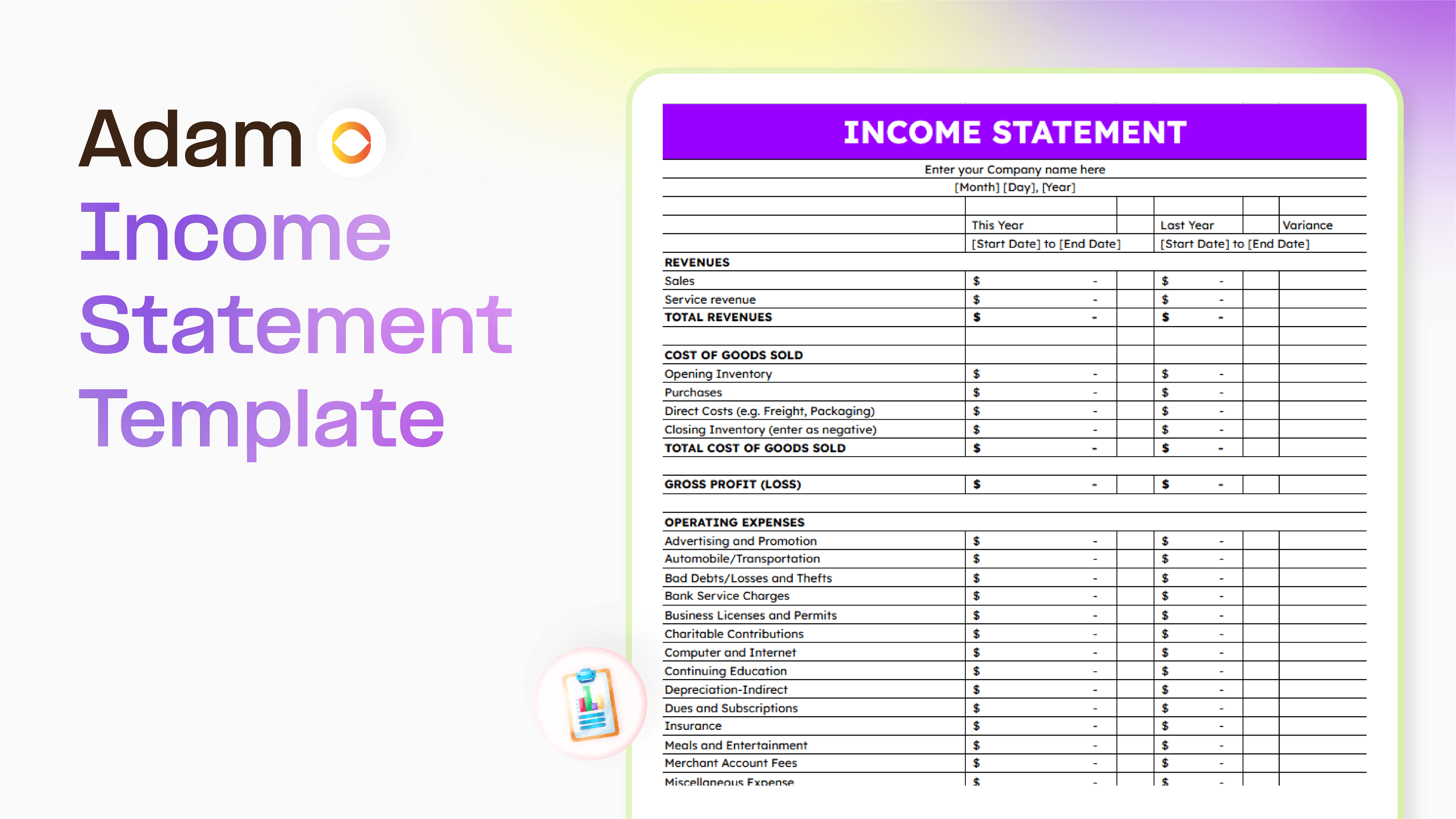
Master your finance with a free Excel Income Statement Template
Using an Excel income statement template isn't just about filling in numbers; it's about getting a clearer picture of how your business is actually doing.
Temitope Ayegbusi
Jan 30, 2026

Accounting Automation Software Features That Actually Matter (For Small Businesses)
This guide breaks down accounting automation software features that truly matter, explains how popular tools approach automation, and helps small business owners understand what to look for before choosing the wrong solution.
Temitope Ayegbusi
Jan 22, 2026