Why Your Profit Doesn’t Match Your Bank Balance (And How to Fix It)
Why doesn’t my profit match my bank balance? Here is a common question amongst small business owners. The answer is simple, let's find out
Temitope Ayegbusi

Many small business owners run into this moment. You look at your profit and loss report, and it shows your business made money. Then you check your bank balance, and the cash isn’t there.
So the question becomes: Why doesn’t my profit match my bank balance?
The answer isn’t complicated, but it’s also not obvious. Profit and bank balance measure two different things, and once you understand the difference, the confusion usually disappears.
In this guide, we’ll break down:
- What profit and bank balance really represent
- The most common reasons they don’t match
- When the difference is normal (and when it’s not)
- How small businesses fix this without becoming accountants
What Profit and Bank Balance Actually Mean
Before looking for problems, it helps to understand what each number is designed to show. Profit answers this question: Did my business earn more than it spent over a period of time?
Bank balance answers this: How much cash do I have available right now?
They are related, but they are not meant to match. Issues start when the gap between them is unclear or unexplained.
Why Profit Doesn’t Match Your Bank Balance (Most Common Reasons)
In most cases, the mismatch comes from one or more of the reasons below.
1. Timing differences between income and cash
Many businesses record income when it’s earned, not when the cash arrives.
For example:
- You send an invoice in March
- The client pays you in April
Your profit increases in March. Your bank balance increases in April. In this case, nothing is wrong here. It’s just timing.
2. Owner draws and personal spending
Money you take out of the business does not reduce profit.
If you:
- Pay yourself
- Transfer money to personal accounts
- Use the business card for personal expenses
Your bank balance goes down, but profit stays the same. This alone explains many “missing money” situations.
3. Loan payments and credit cards
Loan payments are split into two parts:
- Principal (not an expense)
- Interest (an expense)
When you make a loan payment:
- Cash leaves your bank
- Only the interest affects profit
The same applies to credit cards. Expenses are recorded when you spend, not when you pay the card.
4. Large purchases spread over time
Big purchases like equipment or computers don’t always hit profit immediately.
Instead:
- Cash leaves the bank at once
- The expense is spread over time
This creates a temporary gap between profit and cash.
5. Uncategorized or misclassified transactions
This is one of the most common issues. Examples include:
- Income sitting as “uncategorized”
- Transfers recorded as income
- Expenses duplicated or missed
When this happens, both profit and cash numbers become harder to trust.
6. Looking at the wrong report or date range
Sometimes the numbers are correct, but the report being viewed isn’t.
Common mistakes:
- Comparing monthly profit to today’s bank balance
- Looking at reports with missing transactions
- Mixing cash and accrual views without realizing it
Clarity often comes from simply looking at the right data together.
When the Difference Is Normal , and When It’s a Problem
A difference between profit and bank balance is normal. It becomes a problem when:
- You can’t explain the gap
- The difference keeps growing
- Decisions are being made on numbers you don’t trust
How Small Businesses Fix This (Step by Step)
You don’t need to start over. You need clean, complete data.
Step 1: Make sure all bank activity is included
Every fix starts here. If transactions are missing, no report will make sense.
Step 2: Categorize transactions consistently
Income, expenses, transfers, and owner draws need to be clearly labeled.
This is where most confusion comes from, and where cleanup saves the most time. To do this, you need to avoid manual bookkeeping processes, to limit error.
Step 3: Review profit, cash, and reports together
Instead of looking at one number, review:
- Profit and loss
- Bank balance
- Cash flow summary
Seeing them together usually explains the gap.
Practical Example: Gaining Clarity with Adam by Tyms
Many small businesses use Adam by Tyms to understand this mismatch faster.
Here’s how it typically works:
Step 1: Import bank transactions: Connect your bank account or upload statements. If you don't have an account, create one here
Step 2: Automatic categorization: Transactions are grouped into clear categories like income, marketing, software, and operating expenses.
Step 3: Review and adjust: If something is miscategorized, you correct it once. The system remembers.
Step 4: Generate clean reports: With organized data, income statements, balance sheets, and cash flow reports are generated instantly.
At this point, most business owners can clearly see why profit and bank balance differ, without guessing.
How to Prevent This Confusion Going Forward
Once things make sense, staying clear is easier than fixing confusion later.
Simple habits help:
- Review transactions weekly
- Keep accounts connected
- Use consistent categories
- Check reports monthly
Tools that automate categorization make this ongoing work manageable.
Final Thought
When profit doesn’t match your bank balance, it’s rarely a sign that something is wrong. Most of the time, it’s a sign that the numbers are telling different parts of the same story.
Once you understand that story and can explain it confidently, financial decisions become easier and far less stressful.
If you want clearer visibility without spending hours in spreadsheets, tools like Adam by Tyms can help bridge that gap and keep your numbers understandable.
You can also read:
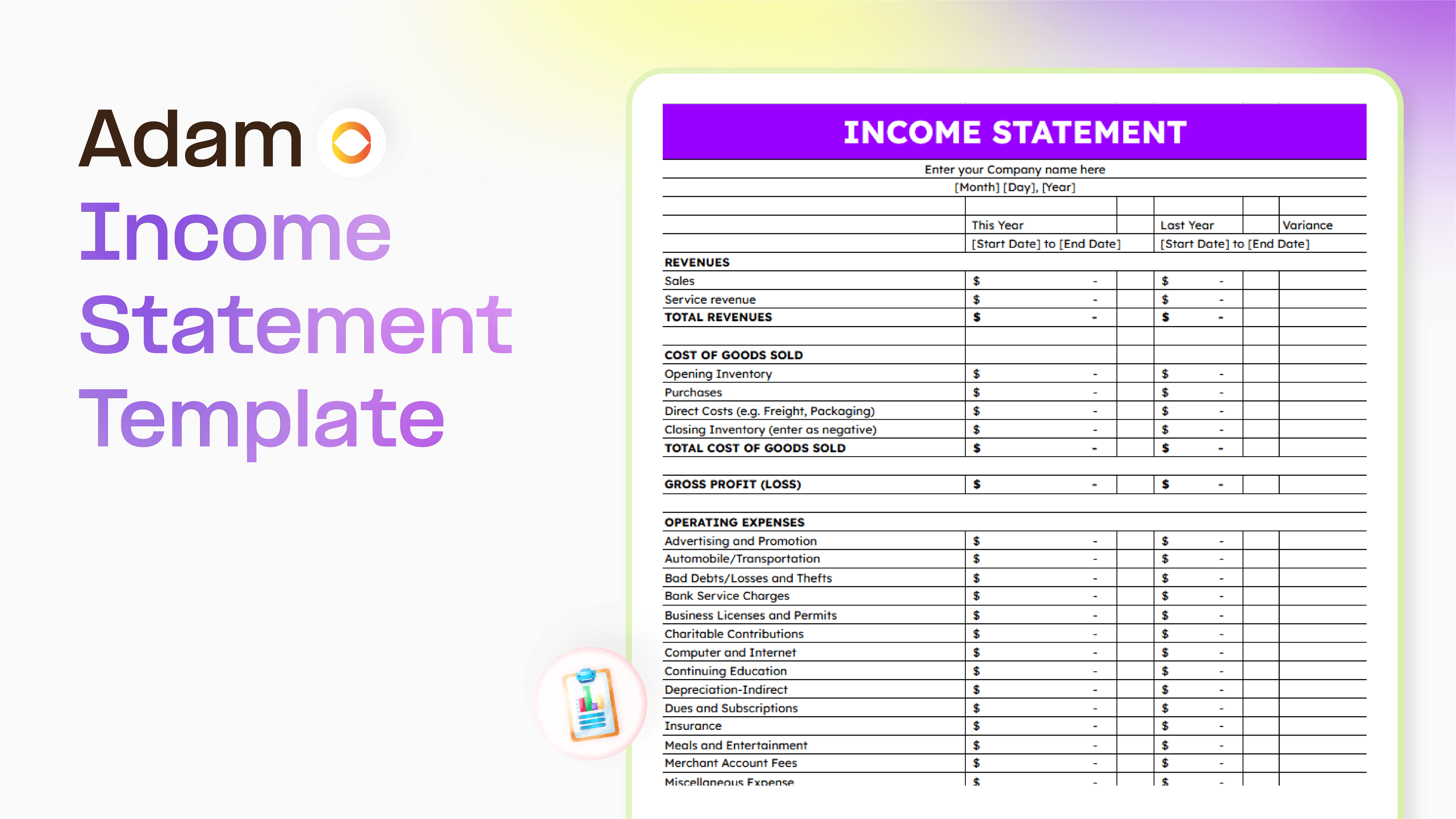
Master your finance with a free Excel Income Statement Template
Using an Excel income statement template isn't just about filling in numbers; it's about getting a clearer picture of how your business is actually doing.
Temitope Ayegbusi
Jan 30, 2026

Accounting Automation Software Features That Actually Matter (For Small Businesses)
This guide breaks down accounting automation software features that truly matter, explains how popular tools approach automation, and helps small business owners understand what to look for before choosing the wrong solution.
Temitope Ayegbusi
Jan 22, 2026