How to Catch Up on Bookkeeping (Without Hiring an Expensive Service)
Many small businesses search for catch up bookkeeping software when they want to fix overdue records without hiring a service.
Temitope Ayegbusi

If your bookkeeping is behind, you’re not alone. Many small business owners fall months (or even years) behind on their books because day-to-day operations take priority. Receipts pile up, bank statements go untouched, and suddenly tax deadlines or loan applications create pressure.
The good news is that catch-up bookkeeping is completely fixable , and in many cases, you don’t need to hire an expensive service to do it. With the right accounting software, you can catch up on your books yourself, faster than you might expect.
This guide walks you through what catch-up bookkeeping means, why businesses fall behind, and how to catch up using software like Adam by Tyms.
What Is Catch-Up Bookkeeping?
Catch-up bookkeeping is the process of updating your financial records after a period of neglect. This could mean entering and categorizing transactions from the past few months or even reconstructing an entire year of financial activity.
Most businesses need catch-up bookkeeping when:
- Transactions were tracked manually or inconsistently
- Receipts were lost or stored across multiple places
- No regular monthly bookkeeping process was in place
- Financial reports are needed urgently for taxes, audits, or loans
Why Small Businesses Fall Behind on Bookkeeping
Falling behind usually isn’t a discipline problem. It’s a systems problem.
Common reasons include:
- No time to manually update spreadsheets
- Bank statements not reconciled regularly
- Multiple payment methods (cards, transfers, cash)
- Lack of accounting knowledge
- Using tools that are too complex
Over time, this creates a backlog that feels overwhelming, which is why many business owners delay fixing it even longer.
Can You Do Catch-Up Bookkeeping Yourself?
Yes — especially if your business transactions are already in digital form (bank transfers, cards, online payments).
DIY catch-up bookkeeping works best when:
- Your bank statements are available
- You want results quickly
- You prefer control over your data
- You want to avoid high service fees
Modern accounting software automates much of the heavy lifting, making it possible to catch up without accounting expertise.
How to Catch Up on Bookkeeping Using Software (Step by Step)
This is the simplest and fastest way to handle catch-up bookkeeping without outsourcing.
1. Gather Your Bank Statements
Collect bank statements for the period you’re behind on. Most banks allow downloads in PDF, CSV, or direct bank connections.
2. Import Transactions Automatically
Instead of manually entering data, use software that allows you to:
- Connect your bank account
- Upload historical statements
Tools like Adam by Tyms automatically read and import past transactions, saving hours of manual work.
3. Auto-Categorize Income and Expenses
Once transactions are imported, the software assigns categories such as:
- Revenue
- Marketing expenses
- Equipment
- Operating costs
Adam by Tyms learns from your corrections, so repeated transactions are categorized correctly going forward.
4. Review and Adjust (Quickly)
Catch-up bookkeeping doesn’t mean reviewing every transaction line by line. You only need to:
- Spot-check unusual items
- Confirm major expenses
- Adjust categories where needed
This review step usually takes minutes, not days.
5. Generate Financial Reports Instantly
Once categorized, you can generate:
- Profit and loss statements
- Balance sheets
- Cash flow summaries
These reports are typically what lenders, tax professionals, or auditors request.
How Long Does Catch-Up Bookkeeping Take?
With manual bookkeeping or services, catch-up work can take weeks.
With software:
- A few months of backlog can be handled in hours
- A year of transactions can often be processed in a single day
- Report generation is instant
Speed depends mainly on transaction volume and how clean your bank data is.
When Does a Service Still Make Sense?
While many businesses can handle catch-up bookkeeping themselves, some situations may still require professional accounting help:
- Very high transaction volume
- Multiple entities or complex structures
- Historical data gaps
Some platforms, including Adam by Tyms, allow you to access bookkeeping support within the app if you decide you need expert assistance after starting. This gives you flexibility without committing upfront to a service.
Why Adam by Tyms Works Well for Catch-Up Bookkeeping
Adam by Tyms is designed for speed, automation, and clarity — which is exactly what catch-up bookkeeping requires.
It helps you:
- Import and organize historical transactions
- Automatically categorize expenses
- Generate audit-ready financial reports
- Identify spending patterns using AI insights
Instead of rebuilding your books manually, Adam lets you move from “behind” to “up to date” with far less effort.
Frequently Asked Questions
How much does catch-up bookkeeping cost?
Service-based catch-up bookkeeping can cost anywhere from a few hundred to several thousand dollars, depending on complexity. Using software significantly reduces this cost and gives you ongoing control.
Can I do catch-up bookkeeping without an accountant?
Yes. Many small businesses use accounting software to catch up on their books without hiring an accountant, especially when transactions are already in digital form.
How far back can I catch up my bookkeeping?
You can catch up as far back as your bank records allow, often up to several years.
Is catch-up bookkeeping necessary before filing taxes?
Yes. Accurate books are essential for proper tax filing and avoiding errors or penalties.
Final Thoughts
Catch-up bookkeeping doesn’t have to be stressful or expensive. With the right tools, you can take control of your finances, get back on track quickly, and stay prepared for taxes, audits, or growth opportunities.
If you want a faster, DIY-friendly way to catch up on your bookkeeping, Adam by Tyms helps you turn months of backlog into clear financial insight, without hiring a service unless you truly need one.
Get started with Adam by Tyms and catch up on your books with confidence.
You can also read:
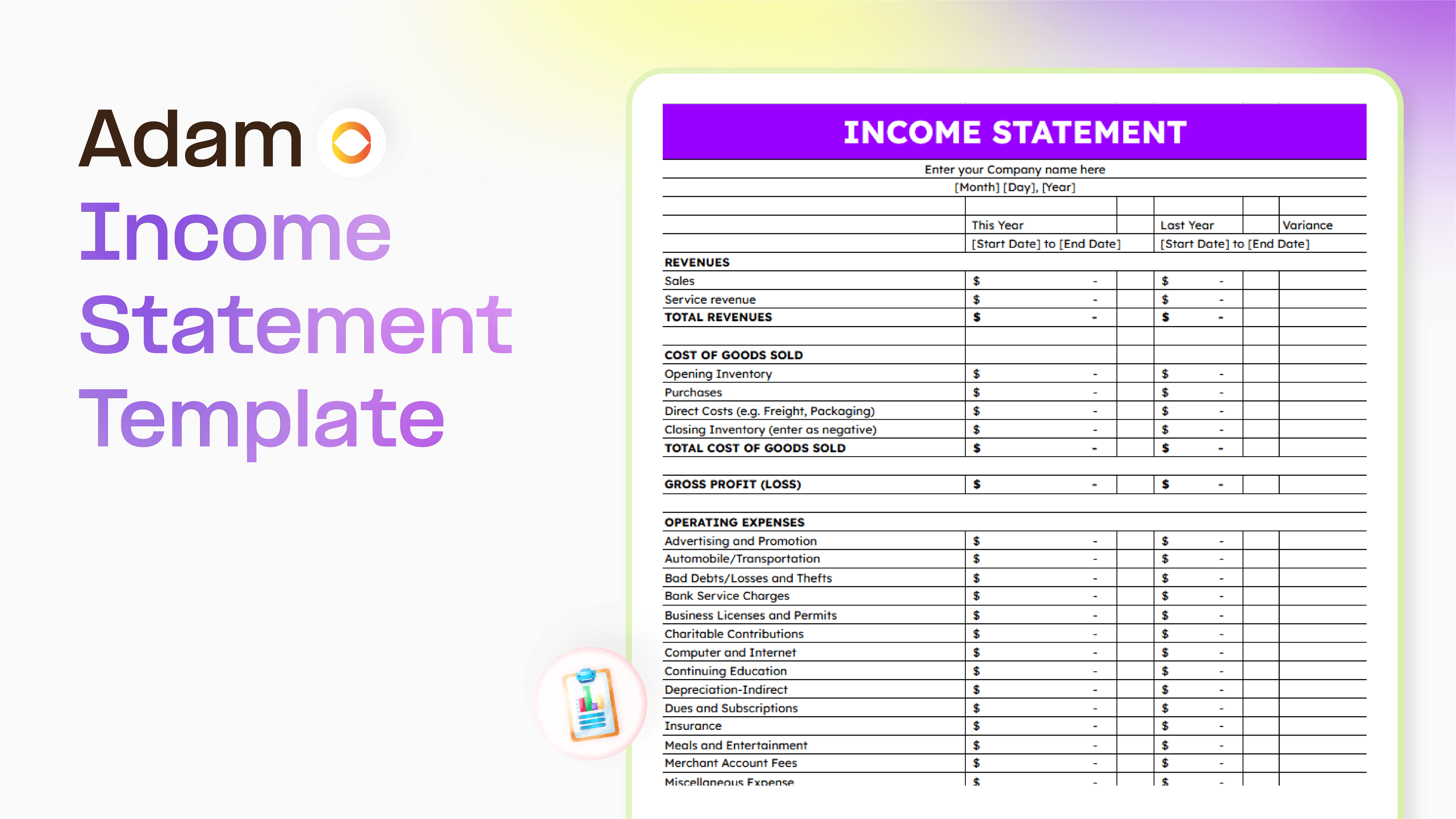
Master your finance with a free Excel Income Statement Template
Using an Excel income statement template isn't just about filling in numbers; it's about getting a clearer picture of how your business is actually doing.
Temitope Ayegbusi
Jan 30, 2026

Accounting Automation Software Features That Actually Matter (For Small Businesses)
This guide breaks down accounting automation software features that truly matter, explains how popular tools approach automation, and helps small business owners understand what to look for before choosing the wrong solution.
Temitope Ayegbusi
Jan 22, 2026